Rebuilding the same brief
Niche, platform, country, follower range, email required. You type it all again each time, and small changes creep in.
Automations
Save a creator brief once. UGC Agent runs it every day, week or month, skips anyone you already have, and emails the new creators with a CSV. Trend reports run the same way.
1 automation on Pro. Unlimited on Premium.
Creator sourcing automations run a saved UGC creator brief on a schedule and email the new creators as a CSV, skipping anyone your account already has. Trend reports can run the same way. They are for teams that need a steady flow of fresh creators without starting a new search each week.
Last updated
Why teams automate
Most creator programs need a steady flow of new names, not one big list. Doing that by hand means repeating the same search, the same filters and the same cleanup every Monday.
Niche, platform, country, follower range, email required. You type it all again each time, and small changes creep in.
Half of every new list is creators you already contacted, so you spend the morning removing duplicates instead of reaching out.
The search finished hours ago, but it sits in a tab until someone remembers to check it.
What an automation does
Every day, weekdays, weekly, every two weeks or monthly, at the hour you choose in your timezone, with up to 2,000 creators per run.
A branded email previews the top three creators, links back to UGC Agent and attaches the full batch as a CSV.
Connect Slack to post when an automation finishes, when a trend report is ready, and when a run fails.
How it works
Create it from the Automations tab or just ask the agent in chat. Either way, the first batch starts right away.
Start freeWrite the creator brief in plain English, the same way you would in Super Search, and set how many creators you want in each batch.
Choose the cadence and delivery time, then the email address that should receive each batch. The time follows your timezone.
The first run starts as soon as you save and is emailed like any other run. You check real creators while the brief is still fresh, instead of waiting a week to find out it was too narrow.
Each scheduled run delivers only creators you have not received before, with a preview in the email and the complete batch as a CSV. Edit, pause, resume or delete the automation whenever the campaign changes.
No repeat deliveries
A recurring list only helps if it brings fresh names. Before a run is delivered, UGC Agent checks every candidate against what your workspace already knows.
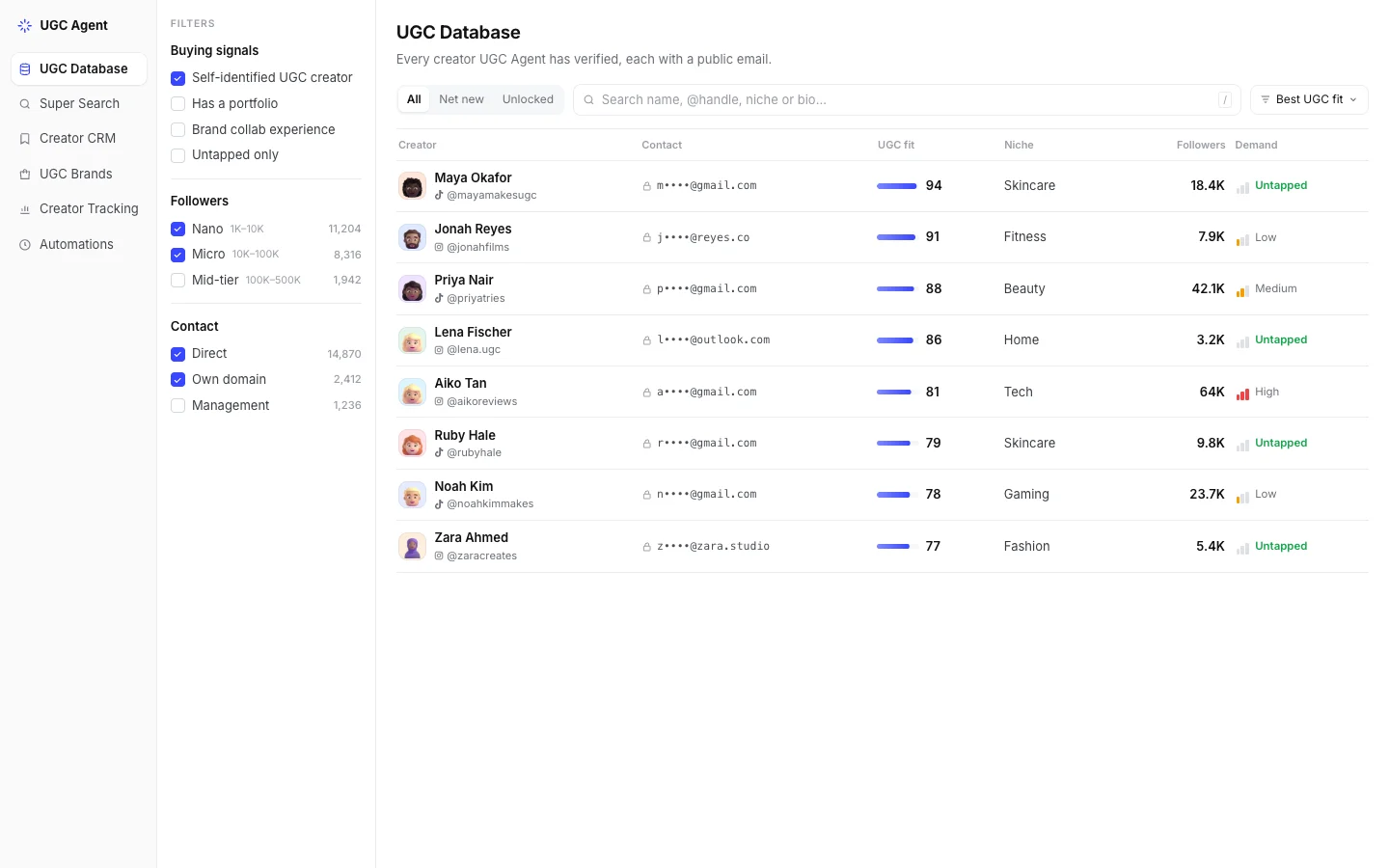
 Maya OkaforSkincare · 18.4KNew
 Lena FischerHome · 3.2KAlready delivered
 Priya NairBeauty · 42.1KNew
 Sam CarterFood · 12.6KExcluded
 Ruby HaleSkincare · 9.8KNew
 Aiko TanTech · 64KAlready delivered
 Zara AhmedFashion · 5.4KNew
Why 9 were skipped
Trends automations
Trends automations watch TikTok, Instagram or both for your topic and send a short report on the cadence you pick. Use it to plan briefs and scripts with what is working right now.
TikTok
01Night routines filmed in one take
ProofVideo 1Video 2Video 3
02Before-and-after with a timer on screen
03Dermatologist reacts, creator replies
Web-grounded signals
04“Skin barrier” searches rising around winter
After the list arrives
An automation never contacts creators for you. Review the batch, then move the creators you approve into the outreach workflow you already run.
Before and after
By hand
With an automation
Who it’s for
Hiring new creators every week or month, not once a quarter.
Keeping several client briefs stocked at once.
Running many creators and hooks in parallel.
Customer proof
 UGC World
1,000creators from one prompt in about 10 minutes, with zero bounces
UGC World sourced 1,000 creators with UGC Agent, emailed them, and saw a reply rate of about 20%, with 147 positive replies.
“You made my year, probably the next year and a half.”
 Alexander KunnFounder and CEO, UGC World
 Overgrow
44%reply rate across 225 creator emails
“Everything landed in inboxes, nothing bounced or spam-foldered.”Sebastian, FounderRead the story
Both results come from UGC Agent searches. An automation runs that same search on a schedule and skips creators you already have.
What runs where
An automation keeps creator discovery moving while you are offline. Everything after the list stays with your team.
What it doesn’t do
Scheduled runs happen on UGC Agent’s servers at the time you set. You do not need the app, a browser tab or your laptop open.
Each run searches Instagram and TikTok live, checks every profile against your brief and keeps only creators with a public email.
Creators delivered by an automation count against the same monthly lead pool as searches and unlocks. If nothing new matches, you get a short “no matching leads” email and spend nothing.
The email digest with a CSV, a Slack notice if you connected Slack, and the creators themselves in UGC Agent for review and export.
Pro includes one automation of either type. Premium and above remove the limit. Delivered creators come out of your monthly lead pool. Compare plans
A saved creator search that runs again on the schedule you choose. You describe the creators once, pick the cadence, time and recipient, and UGC Agent delivers new creators with public emails as an email preview plus a CSV. Your team still reviews the list and owns outreach, negotiation and hiring.
Straight away. Saving an automation starts the first run immediately and emails it like any scheduled run, so you can check real results before relying on the schedule.
No. Creators already delivered to your account are skipped, whether they came from an automation, a search or an unlock. Excluded creators from Agent Preferences are skipped too, and each automation remembers the profiles it already checked.
A Leads automation sends a branded email with the top three creators, a button back to UGC Agent and the full batch as a CSV with creator, handle, platform, followers, email, niche, profile link and UGC fit score. A Trends automation sends a report of up to five trends, each with what was observed, how to use it and proof links.
Yes. Connect Slack in Integrations and choose which notices to post: completed searches, automation results, trend reports and failures.
The brief, batch size, cadence, delivery time and recipient. You can also pause an automation between campaigns, resume it later, or delete it.
One on Pro, unlimited on Premium, Ultra and Enterprise. Delivered creators count against your monthly lead pool, the same as searches and unlocks.
Save a brief once and get new creators with public emails, with no repeats, every day, week or month. Start with a 3-day free trial, no card required.