Skip to content
Developer API

Developer API for creator search, inside your product.

Bring creator search, brand research, account analysis, and enrichment into the systems your team already runs. Send one message to POST /v1/messages, then receive the answer and creators found.

Available in Premium workspaces under Account → API

One endpointAgent toolsStructured result
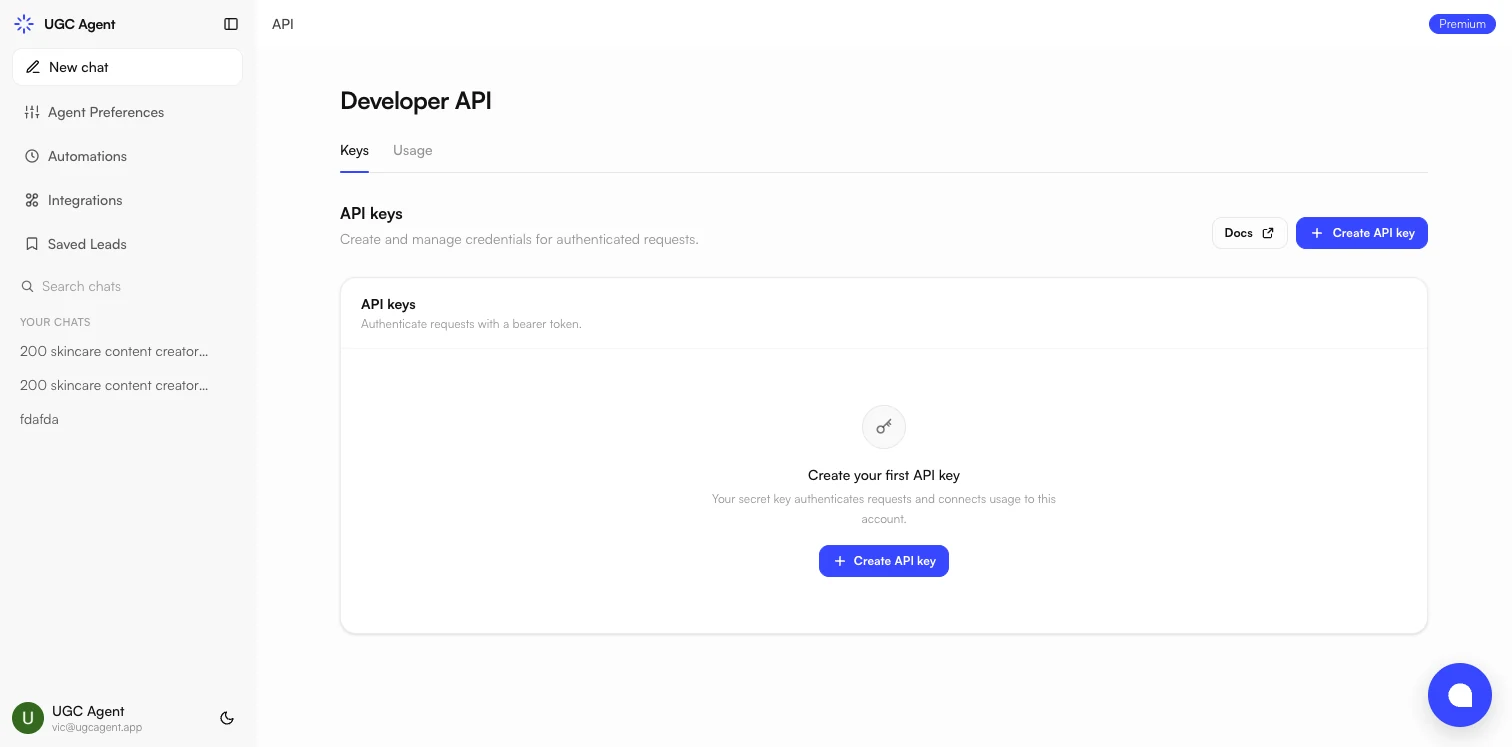
Developer API key management screen inside a UGC Agent workspace
POST /v1/messages
One endpointCreator work begins with POST /v1/messages.
Agent-selected toolsUGC Agent chooses the tools required for the message.
Useful outputReceive an answer and the creators found during the turn.
Long-turn supportPoll longer work using the returned message ID.

Describe the outcome. Let the agent handle the route.

A conventional API often asks your team to understand every internal operation before it can produce a useful result. UGC Agent keeps the interface conversational. Your application sends a message, and the agent decides which supported tools belong in that turn.

01

Send the request

Start a creator operation by sending a message to the conversational endpoint. The message can express the job in direct, useful language instead of forcing your team to assemble a separate workflow for each capability.

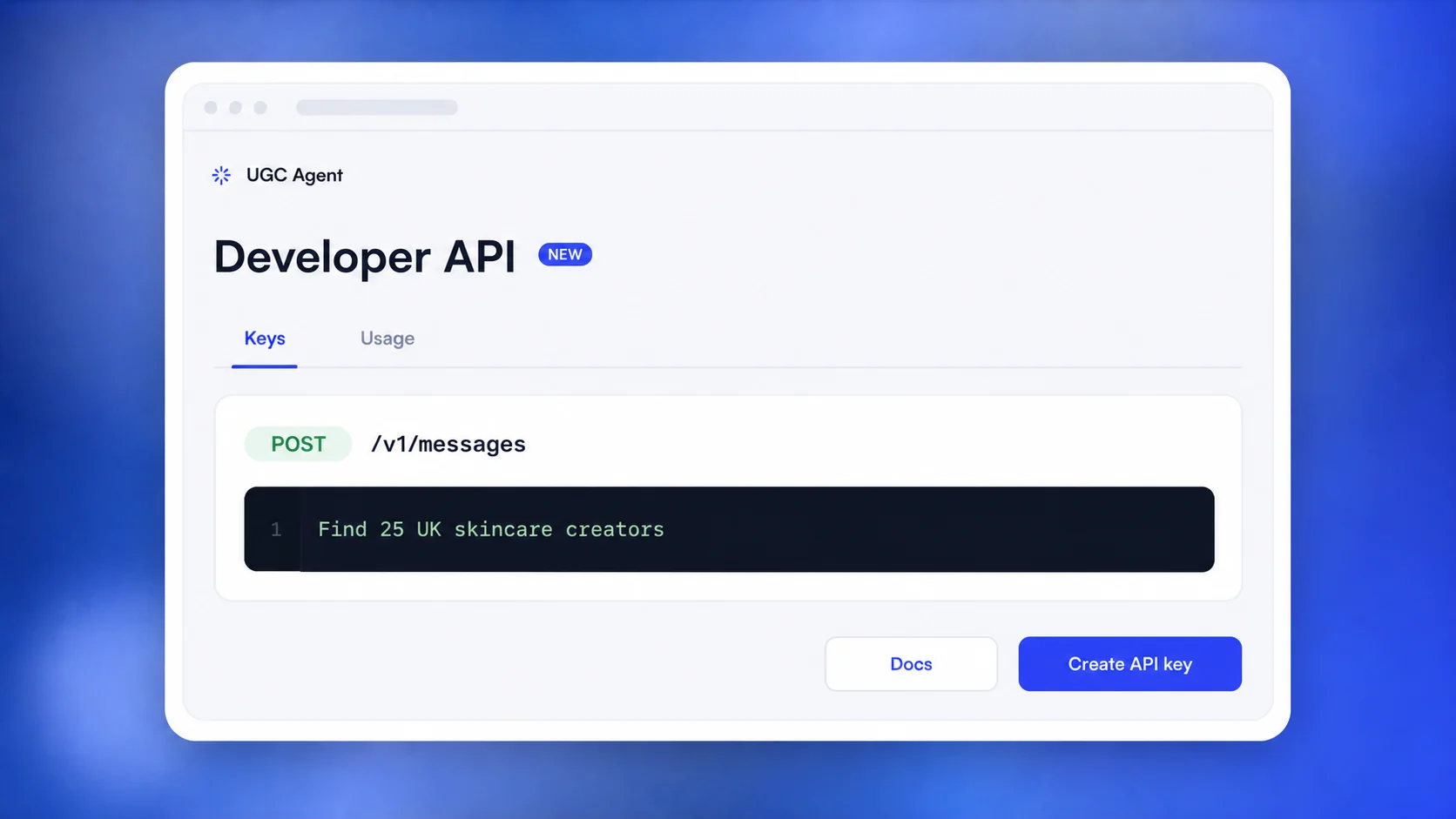
POST /v1/messages
02

The agent chooses tools

UGC Agent interprets the request and selects the tools needed to complete it. That same endpoint supports creator search, brand research, account analysis, and enrichment without splitting those jobs across unrelated entry points.

03

Use the completed result

The response includes the agent's answer plus creators found during the turn. When a request takes longer, the API returns a message ID so your system can poll for the completed result instead of holding the original request open.

Four creator operations. One conversational surface.

Search for relevant creators, research a brand, analyze an account, or enrich creator information through the same endpoint. The consistent entry point makes it easier to place creator intelligence inside an internal tool, an agency workflow, or a product experience without making users think in terms of separate product modules.

This is still a real agent turn. The answer reflects the work the agent performed, and creator records found during that work return with it. For complete request and response details, authentication guidance, and current examples, use the official documentation as the source of truth.

POST/v1/messages
Creator search Brand research Account analysis Creator enrichment

Developer access that belongs to the same UGC Agent workspace.

API access is not a disconnected product. Premium workspaces create and manage their keys under Account → API, next to the creator workflow the team already uses.

Illustration of the UGC Agent Developer API and POST /v1/messages endpoint

A clear boundary between intent and execution

Your product supplies the message. UGC Agent handles the creator-specific work behind it, including selecting the supported tools for the turn and returning the agent's answer with any creators found.

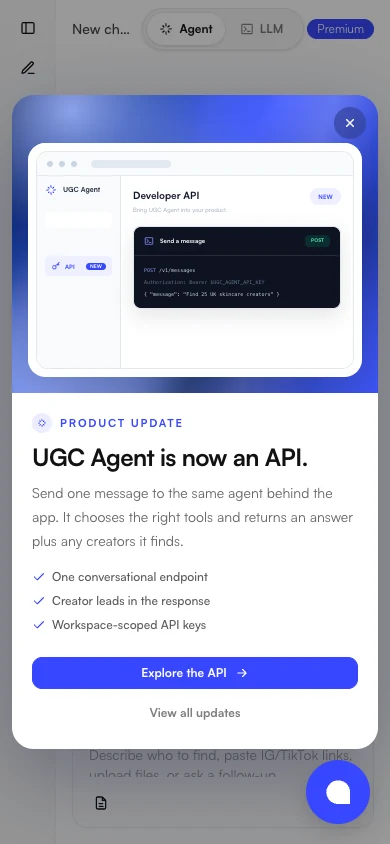
Mobile UGC Agent product update showing developer API access

Keys stay workspace-scoped

Create the credentials from Account → API in a Premium workspace, then follow the official docs when connecting your product or internal tooling.

Built for short answers and longer agent turns.

Creator work is not always uniform. A focused account analysis and a broader creator search can take different paths. The API supports both immediate completion and longer work without asking your application to guess how long a turn will take.

AUTH

Create a workspace API key

API keys live under Account → API and are available to Premium workspaces. Use the official documentation for the current authentication instructions and keep credentials within the system responsible for making the request.

SEND

Send the creator task as a message

Use POST /v1/messages for creator search, brand research, account analysis, or enrichment. A shared endpoint lets the agent select the right tools while your integration stays centered on the outcome it needs.

READ

Receive the answer and creator results

Completed turns return an answer plus the creators the agent found. This gives the calling system both a human-readable explanation and the creator output produced by the work.

POLL

Continue longer work by message ID

If the turn requires more time, the initial response includes a message ID. Your integration can poll that message until the work is ready, keeping longer creator operations compatible with normal application flows.

Give your product a creator sourcing agent.

Review the official documentation for the current API contract, authentication guidance, and request details. Then create your key under Account → API in a Premium workspace.

Explore the API docs