 integration
Send creator leads to Smartlead without a CSV.
Connect your Smartlead workspace once. Then send selected, unlocked creators with available emails from a live search or Saved Leads into the campaign you choose.
Active, paused, and drafted Smartlead campaigns are available
Choose creatorsPick campaignReview import
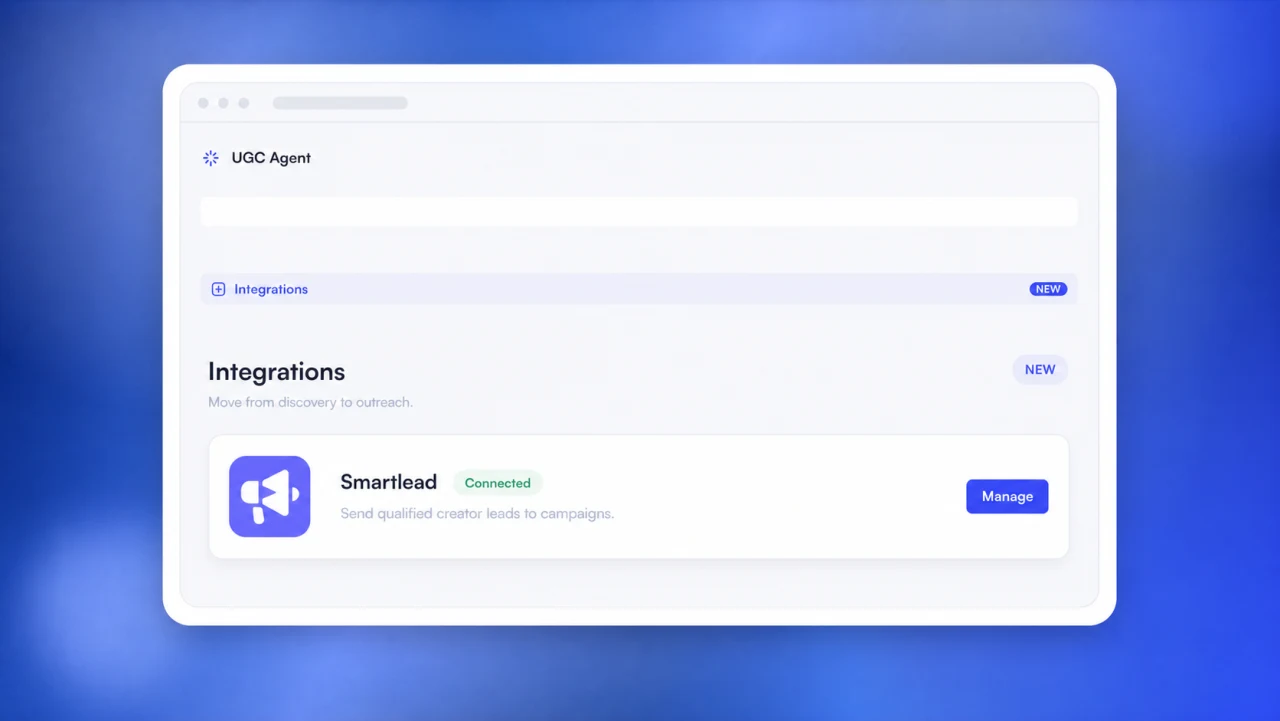
What the UGC Agent Smartlead integration does.
The integration connects the final decision in creator sourcing with the first operational step in email outreach. It removes a file transfer, while keeping the creator selection and campaign choice in your hands.
In short: select unlocked creators who have emails, choose an active, paused, or drafted Smartlead campaign, and send the eligible records in batches. UGC Agent skips duplicates in the selected campaign and reports what happened after the import.
Start with reviewed creators
Use creators selected from a live search when you are building a campaign now, or send from Saved Leads when your team has already organized and reviewed the list.
Choose the destination
Browse the campaigns available in your connected Smartlead workspace. Pick the exact active, paused, or drafted campaign that should receive the selected records.
Send without exporting
The handoff runs inside UGC Agent. There is no CSV to download, rename, map, upload, or check against an older version before the campaign can receive new leads.
How to connect Smartlead and send creator leads.
The workflow is deliberately short. UGC Agent carries forward the creators you selected and their available email addresses. You still decide when a campaign is ready to run.
Connect Smartlead
Enter the API key for your Smartlead workspace once. The connection makes campaign browsing and lead imports available inside UGC Agent.
Select creators
Choose the unlocked creator records with emails that belong in outreach. The selection can come from live search or your Saved Leads workspace.
Pick a campaign
Select an active, paused, or drafted campaign. This explicit choice keeps the list tied to the intended Smartlead sequence.
Review the import
UGC Agent sends in batches, skips records already present in that campaign, and returns a categorized report after the handoff.
Know what happened to every import batch.
A list can contain a mix of new leads, duplicates, and records Smartlead does not import. The integration separates those outcomes so your team can review the handoff instead of assuming every selected row became a new campaign lead.
New campaign leads
These selected creators had an available email and were added to the Smartlead campaign you chose.
Duplicates skipped
If a creator is already present in the selected campaign, UGC Agent skips that duplicate instead of importing it again.
Records to review
The report also identifies creators Smartlead did not import, keeping the outcome visible after the batch finishes.
Connection security
Your Smartlead API key has a narrow job.
UGC Agent encrypts the connected key. It is used only to browse campaigns in the connected workspace and import the creator leads you selected.
- Encrypted after you connect the workspace
- Used for Smartlead campaign browsing
- Used for lead imports you initiate
Current scope
The integration moves leads. It does not track outreach activity yet.
The current Smartlead integration covers the connection, campaign browsing, and lead imports. Smartlead campaign activity and reply tracking are not included yet. Check campaign status, sender configuration, replies, and follow-up activity in Smartlead.
UGC Agent also does not replace the judgment that belongs before outreach. Your team still chooses the creators, reviews contact eligibility, selects the campaign, and decides when that campaign should be activated. The direct handoff removes CSV work, not campaign ownership.
Need a broader way to connect creator sourcing to your stack? Explore the UGC Agent developer API, run sourcing through the UGC Agent MCP server, or build recurring lists with creator sourcing automations.
Connect Smartlead to a creator list worth contacting.
The integration becomes useful after the list is qualified. Start with discovery and fit evidence, retain the right creators, then choose the outreach path that matches your team.
FAQ
Smartlead integration questions.
What creator records can I send to Smartlead?
You can send the unlocked creators you selected who have an available email address. Those creators can come from a live UGC Agent search or from Saved Leads.
Which Smartlead campaigns can receive creator leads?
You can choose an active, paused, or drafted campaign from the connected Smartlead workspace.
What happens when a creator is already in the campaign?
UGC Agent skips that duplicate. After the batch, the report separates records that were added, already there, and not imported.
How does UGC Agent use my Smartlead API key?
The key is encrypted and used only for campaign browsing and the lead imports you initiate through the integration.
Does the integration track campaign activity or replies?
Not yet. The current integration covers campaign browsing and lead imports. Smartlead activity and reply tracking are not included.
Product behavior reviewed August 27, 2026.