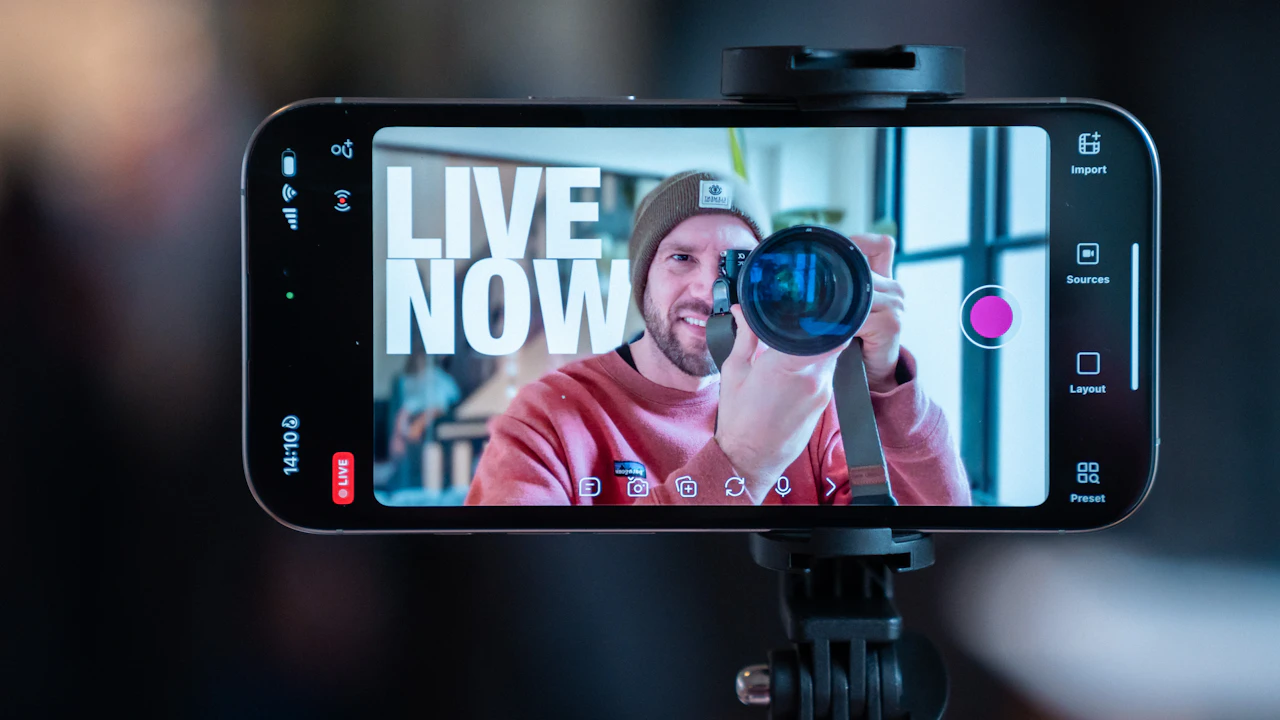
Useful UGC video examples show a repeatable creative structure: a clear hook, recognizable customer problem, visible product use, credible proof, and one next step. Start with problem-solution, demonstration, tutorial, review, routine, unboxing, comparison, objection-handling, or before-and-after formats. Adapt the idea to your product, then test one meaningful variable at a time instead of copying another brand's script.
The best UGC video examples do more than look native to TikTok or Instagram. They help a marketer answer a production question: what should the creator show, say, and prove so the viewer understands the product and has a reason to act? A trending sound or fast edit cannot rescue an unclear message.
This guide breaks nine common UGC content examples into reusable parts. The sample hooks and outlines are illustrative prompts, not customer results or performance promises. Use them to write a clearer brief, choose creators with the right production skills, and build paid-social tests that can teach your team something.
What is a UGC video?
A UGC video is short-form product content made in a creator-led style: direct delivery, practical demonstration, familiar settings, and a clear customer perspective. Brands may commission the asset for their own organic or paid channels, while creator-posted distribution is a separate scope that also buys access to the creator's audience.
UGC can describe organic customer content or paid creator production. In a brand campaign, the practical distinction is permission and scope. Organic content belongs to the customer who posted it unless the brand secures appropriate permission. Commissioned content is produced under an agreement that should define deliverables, usage, editing, term, territory, and payment.
A useful example therefore includes more than a visual style. It shows the audience problem, the product moment, the reason to believe, and the intended distribution context. A creator can film a polished testimonial-style asset without claiming to be an unpaid customer; the agreement and disclosure should accurately reflect the commercial relationship.
If your team still uses creator and influencer interchangeably, start with what a UGC creator is. The difference affects the brief, budget, rights, and the metrics you should expect from the project.
Nine UGC video examples to adapt
Choose a format based on the message job, not the trend of the week. Demonstrations explain how a product works; routines make the use case recognizable; objection videos resolve hesitation; tutorials build understanding; and reviews provide a creator's honest assessment. The format should make the required proof easier to show.
1. Problem-solution demonstration
Open with a specific customer problem, show the product in use, then make the resolution visible. A sample structure is: “My desk audio kept echoing, so I changed this one part of the setup,” followed by the setup and an honest comparison. The problem should be recognizable without exaggerating the result.
2. Product walkthrough
Show the product from first action to useful outcome. This format fits apps, tools, devices, kits, and products with a process the customer needs to understand. Ask for the exact interface, feature, texture, or mechanism that must appear on screen; show the product is too vague.
3. Short tutorial
Teach one small task that naturally requires the product. A skincare creator might demonstrate the correct order of a routine; a SaaS creator might show how to complete one workflow. Keep the lesson narrow enough to finish inside the intended runtime and verify every instruction with the product team.
4. Testimonial-style review
Build the video around what the creator noticed, who the product could suit, and any honest limitation relevant to the viewer. Do not script a personal result the creator did not experience. Paid or gifted relationships need clear disclosure under the FTC's endorsement guidance.
5. Routine or day-in-the-life integration
Place the product inside a believable sequence rather than presenting it on an empty set. The key production question is where the product earns its moment: before work, during meal prep, after a workout, or inside a recurring team workflow. Give the creator the use case and must-show actions, then leave room for natural delivery.
6. Unboxing and first use
Use this format when packaging, setup, included components, texture, or first-use friction matters. Decide whether you need a genuine first reaction or a controlled demonstration after the creator has learned the product. Those are different assignments and should not be disguised as each other.
7. Comparison by use case
Compare two workflows, product modes, or options against a clear criterion. Keep competitor claims factual and supportable. A safer example is manual setup versus the saved template workflow rather than a broad claim that one product beats every alternative.
8. Objection-handling or FAQ video
Start with a real buying question, answer it directly, and show the evidence. Useful prompts include setup time, compatibility, sizing, cleanup, portability, or what arrives in the box. Give the creator approved facts and prohibited claims so confidence does not turn into invention.
9. Before-and-after demonstration
Make the starting condition, intervention, timeframe, and final condition understandable. This format needs extra review in health, beauty, finance, and other claim-sensitive categories. Never manufacture a transformation, hide material conditions, or use a result the creator did not achieve.
Turn a UGC example into a testable brief
Translate the example into five fields: target viewer, problem or desire, message hypothesis, required proof, and one test variable. Keep the product truth and core offer consistent across variants. Change the hook, creator delivery, proof order, or CTA deliberately so the result can inform the next round.
Saving a video to a swipe file is not a brief. Write down why the example worked as communication: perhaps the opening names the buyer's exact situation, the demonstration removes setup anxiety, or the creator answers an objection before the CTA. Adapt that mechanism to your product without copying the creator's words, identity, or sequence shot for shot.
| Brief field | Example decision | What stays controlled |
|---|---|---|
| Audience | First-time buyer with a specific setup concern | Customer situation and product truth |
| Hook | Question, direct claim, demonstration, or story opening | One hook direction per variant |
| Proof | Screen recording, product action, ingredient, feature, or comparison | Approved evidence and claim language |
| CTA | Learn more, see options, start a trial, or buy | One next step tied to the campaign objective |
Use the free UGC campaign brief generator to turn those decisions into creator-ready direction. Define deliverable count, aspect ratio, runtime range, captions, raw footage, revision rounds, delivery date, and usage separately from the creative idea.
How to review UGC content examples
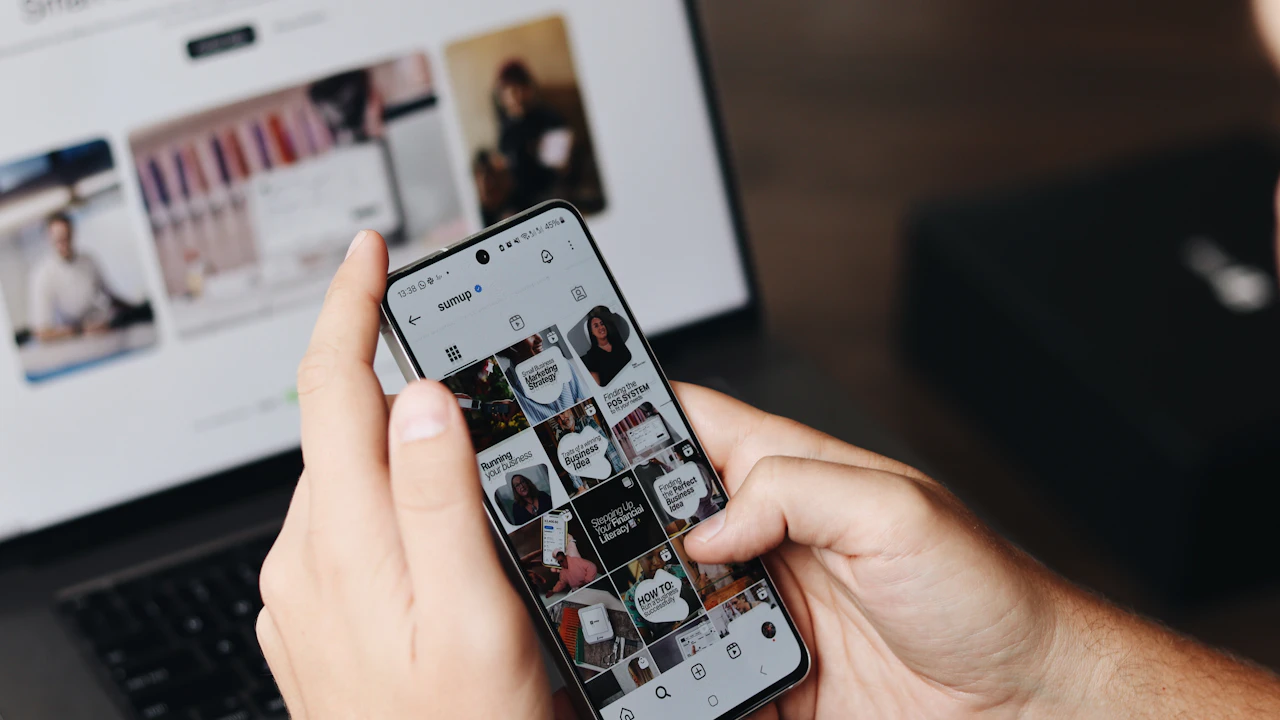
Review each example against the job it must do. Check whether the opening earns attention, the customer can identify the problem, the product is visible at the right moment, the proof supports the message, the delivery feels credible, and the CTA follows logically. Production polish matters only after the communication works.
Score the concept and execution separately. A sound concept can fail because the product is hidden, the audio is unclear, or the opening takes too long. A well-shot video can also fail the review because it addresses the wrong customer or makes an unsupported claim.
- Hook: can the viewer understand the premise without the caption?
- Product moment: does the asset show the action or feature the message depends on?
- Proof: is the evidence visible, honest, and consistent with approved facts?
- Delivery: does the creator sound like a person explaining something, not a brand deck being read aloud?
- Edit: are captions readable, cuts purposeful, and important elements inside platform-safe areas?
- Modularity: can useful hooks, demonstrations, and CTAs be delivered as agreed variants or raw clips?
Creator selection should use the same skills the concept requires. A detailed tutorial needs clear explanation; a tactile product needs strong close-up demonstration. Apply the UGC creator screening checklist to several recent samples rather than one portfolio highlight.
Clear rights before you publish or advertise
A public video is not automatically free creative for a brand to download, edit, or advertise. Secure written permission or commission the asset, then define channels, organic or paid use, term, territory, edits, raw footage, creator-handle advertising, exclusivity, renewal, and disclosure before launch.
Keep creative approval separate from commercial approval. A video can meet the brief while the brand still lacks the license required for paid use. Likewise, permission to repost an organic customer video does not necessarily include permission to edit it, run it as an ad, or use the person's name and likeness outside the agreed context.
Make disclosure part of production. The FTC states that material connections should be disclosed clearly and conspicuously; platform tools may add separate requirements. Confirm the current rules for the platform, market, product category, and ad format with the appropriate legal or compliance owner.
Scope affects price. Additional hooks, raw footage, long paid-use terms, exclusivity, rush work, and creator-posted distribution are not small footnotes. The UGC rates guide shows how to normalize quotes against the same production and rights package.
Build a UGC video examples library your team can use
Store each approved reference with the audience, problem, format, hook type, proof type, product moment, CTA, source, usage status, and review notes. Tag the creative mechanism rather than the vague verdict good. A searchable library should help a strategist write the next brief, not just collect attractive videos.
Separate inspiration from owned assets. A public reference can inform a brief without giving the brand permission to reuse it. Mark whether each item is an external reference, licensed brand asset, commissioned creator deliverable, or organic customer post with documented permission. Add expiration dates when rights are time-limited.
After a test, record the campaign, audience, placement, version, spend window, and agreed performance signal next to the asset. Do not turn one result into a universal creative rule. Use it to form the next hypothesis, such as testing a demonstration-first opening against an objection-first opening for the same customer and offer.
When you need creators capable of producing the formats in your brief, use the free UGC creator search tool for a first pass. Review the public evidence yourself before outreach.
Conclusion
Strong UGC video examples are useful because they expose a decision you can adapt: the audience problem, opening, demonstration, proof, delivery, or CTA. Choose the format that makes your product truth easiest to understand, secure the required rights, and test one meaningful variable at a time. Build a tagged library of references and approved assets instead of a folder of unexplained links. For the wider format list beyond video, including the brief wording for each one, read our guide to UGC examples. When the brief is ready, Start free to find and screen creators for the production job.
Frequently asked questions
What are common UGC video examples?
Common formats include problem-solution demonstrations, product walkthroughs, tutorials, testimonial-style reviews, routines, unboxings, use-case comparisons, objection-handling videos, and before-and-after demonstrations. Select the format based on what the customer needs to understand or believe.
How long should a UGC video be?
There is no single correct length. The asset should be long enough to establish the premise, show the required proof, and deliver the CTA without filler, while matching the placement and specifications in the campaign brief.
Can a brand copy a successful UGC video?
A brand can study the creative mechanism, such as a demonstration-first hook or objection sequence, but should not copy another creator's script, footage, identity, or protected expression. Adapt the insight to your own product truth and secure rights for every asset you use.
What makes a good UGC video for paid social?
A useful paid-social asset has a clear premise, recognizable customer situation, visible product use, credible evidence, readable edits, and one logical next step. It also has written usage rights that cover the planned channels, term, territory, and edits.
Do UGC videos need professional production?
They need usable production, not necessarily a studio look. Clear audio, intentional framing, visible product detail, readable captions, and credible delivery matter more than expensive equipment when the creator-led format fits the campaign.